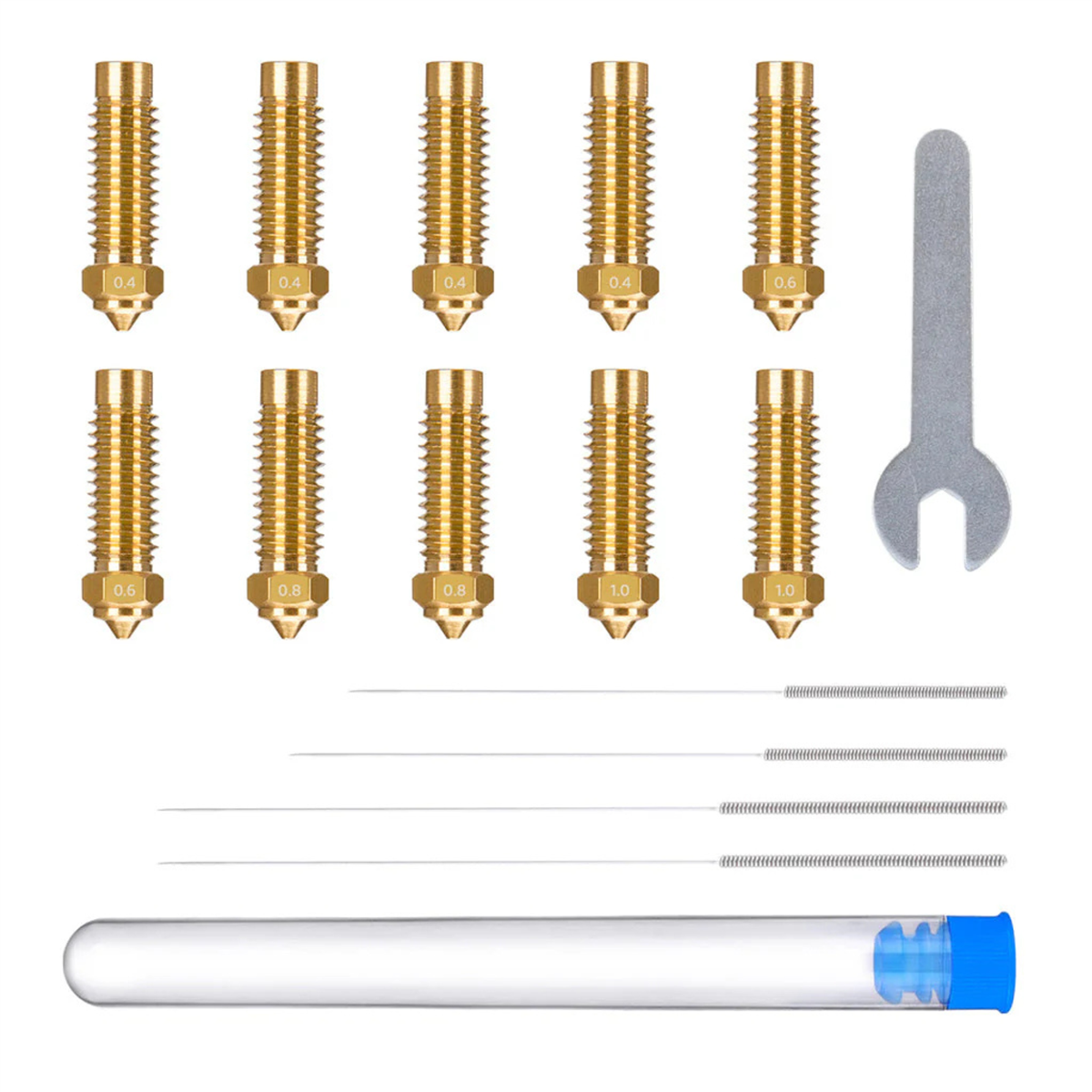
From workshop fixtures and organisers to prototypes and cosplay parts, the Creality Unicorn 0.6 mm Nozzle suits projects where efficient printing takes priority over the finest detail. Compared with a 0.4 mm nozzle, its wider opening allows wider lines and thicker layers, which can reduce printing time with suitable slicer settings.
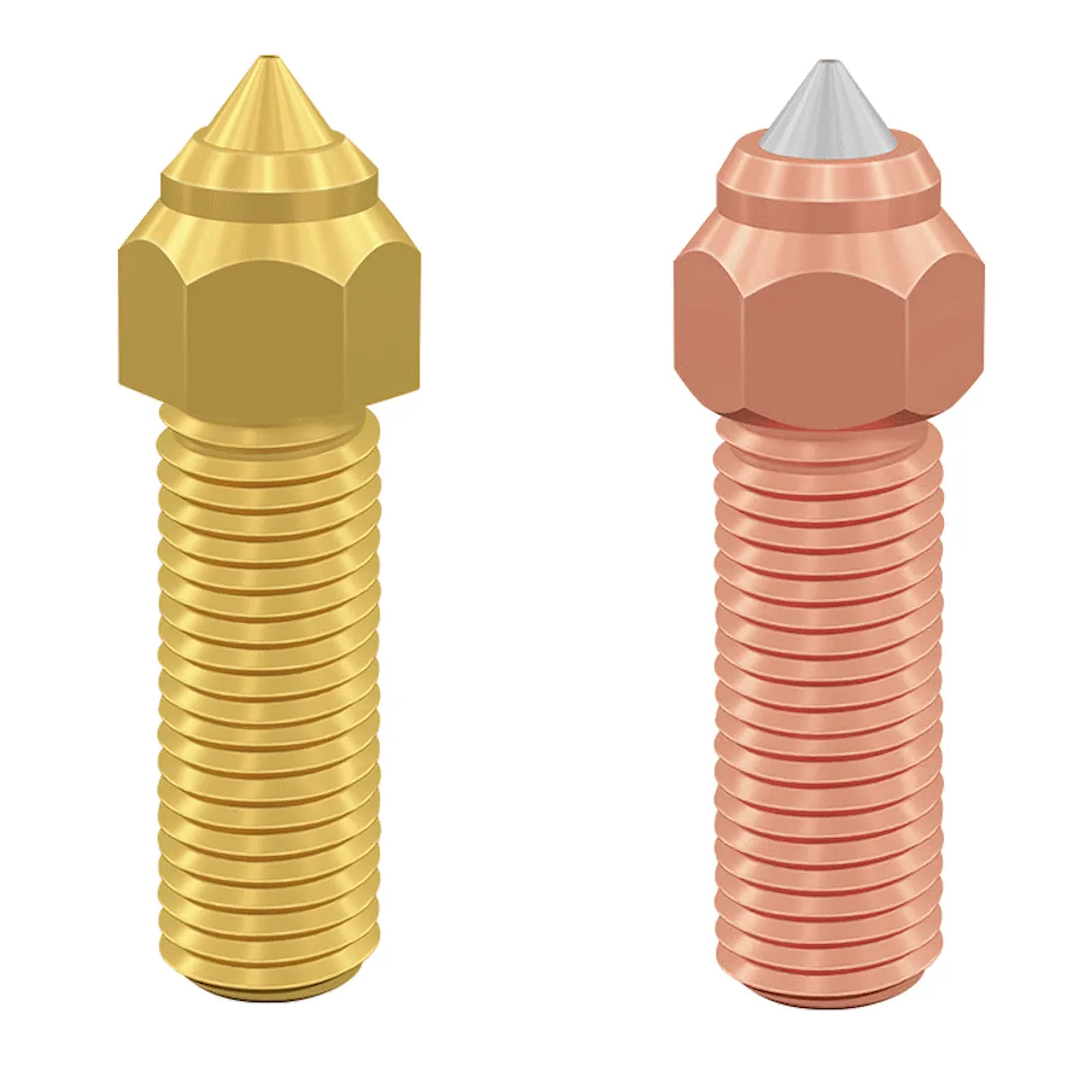
The tri-metal construction combines a hardened steel tip, copper alloy body and titanium alloy heatbreak. These materials provide wear resistance, efficient heat transfer and reduced heat conduction into the cold section of the hotend.
The integrated Unicorn design combines the nozzle and heatbreak into one replaceable assembly, simplifying maintenance on compatible printers. Its hardened tip also supports selected abrasive filaments, provided your printer and feeding system are suitable for the material.
Key Features
- 0.6 mm Nozzle Diameter: Supports wider extrusion lines and thicker layers.
- Efficient Larger Prints: Can reduce printing time with appropriate settings.
- Hardened Steel Tip: Resists wear from compatible abrasive filaments.
- Tri-Metal Construction: Combines hardened steel, copper alloy and titanium alloy.
- Integrated Heatbreak: Helps limit heat travelling into the cold section.
- Quick-Swap Design: Nozzle and heatbreak are replaced as one assembly.
Please Note
- Compatible Models: Creality K2 Plus, Creality Hi, K2 and K2 Pro.
- Correct Nozzle Version: Select the K2/Hi version when ordering. Unicorn nozzles for the K1 series and Ender-3 V3 use a different design.
- Package Contents: One 0.6 mm nozzle assembly. A complete hotend or heater kit is not included.
- Slicer Settings: Select the correct 0.6 mm nozzle profile and adjust line width, layer height and flow settings accordingly.
- Detail and Speed: Fine features may be less defined than with a 0.4 mm nozzle. Printing-time savings depend on the model, material and hotend flow capacity.
- Material Compatibility: The nozzle does not increase your printer’s temperature limits or expand CFS filament compatibility.
- Installation: Follow Creality’s nozzle-replacement procedure for your printer and complete the recommended calibration before printing.